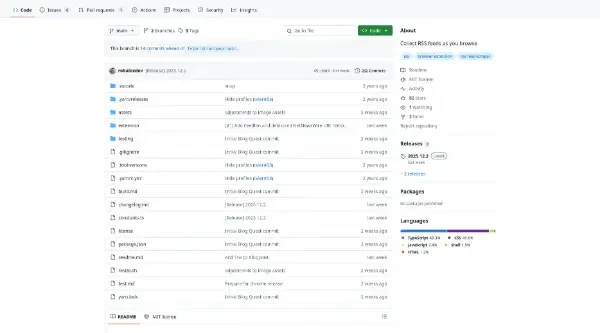
Blog Quest is a browser extension that helps you collect RSS and Atom feeds as you browse
Blog Quest is a browser extension designed to help users automatically collect RSS and Atom feeds as they browse the web.
Here is a summary of its main features and functionalities:
Core Functionality and Operation
Automatic Feed Collection: Blog Quest quietly collects feed URLs by scanning pages for
rel="alternate"links, which blogs use to reference their RSS feeds.Passive Browsing: Users browse the web as usual, and the extension builds a collection of blogs in the background.
Calm Technology: The tool is designed not to compete for attention, allowing users to explore the collected feeds only when they are ready.
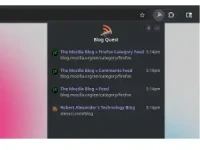
Pop-up View: Clicking the extension opens a pop-up window that displays the list of all collected feeds.
Availability: The extension is available for download on Chrome and Firefox.
Integration and Export
OPML Export: It supports OPML export, allowing users to easily import all discovered feeds into many standard feed readers.
Custom Subscription: The "Subscribe Using" feature lets users choose how collected feeds are opened.
Reader Presets: It offers presets for quick integration with popular services like Feedly, FeedLand, and Inoreader.
Custom Template Support: Users can integrate custom feed readers by defining a subscription URL template where
{feedUrl}is replaced by the actual RSS or Atom feed's URL.
Privacy and Licensing
Strict Privacy: Blog Quest commits to privacy; nothing leaves the user's device.
No Analytics/Server: It runs entirely within the browser, never collects analytics, and does not require a server to operate.
Open Source: The project is open-source under the MIT license.
GitHub Platform Features (Context)
As the project is hosted on GitHub, it also leverages the platform's developer tools:
AI and Code Tools: Includes access to features like GitHub Copilot (to write code with AI), GitHub Spark (to build intelligent apps), and GitHub Models (to manage and compare prompts).
Developer Workflow: Supports standard workflows like Actions (to automate workflows), Codespaces (for instant dev environments), Issues (to plan and track work), and Code Review (to manage code changes).
Security: Offers GitHub Advanced Security features to find and fix vulnerabilities.
Search Functionality: Users can search code, repositories, users, issues, and pull requests, and use saved searches to filter results more quickly.
You may also be interested in ...
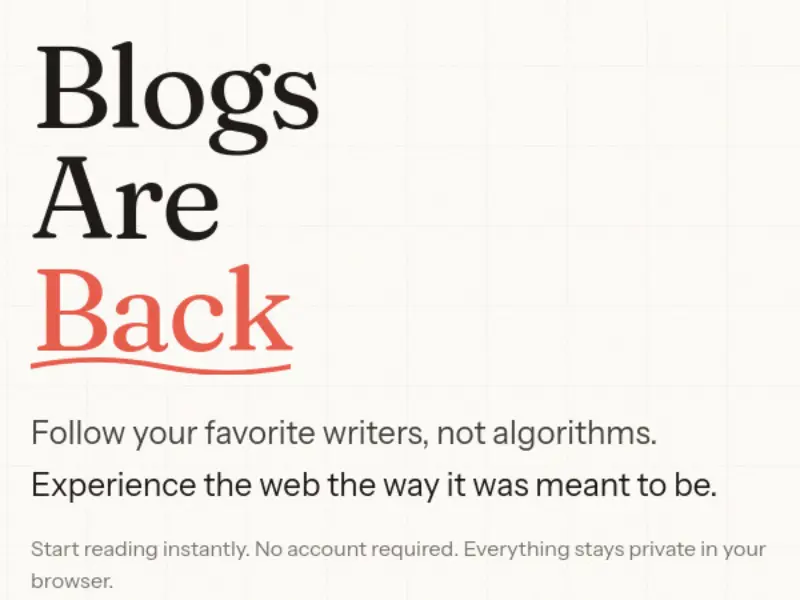
Blogsareback
Tabliss