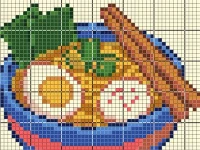
Free browser tools for converting images into pixel art and enlarging small pixel graphics without smoothing the edges.
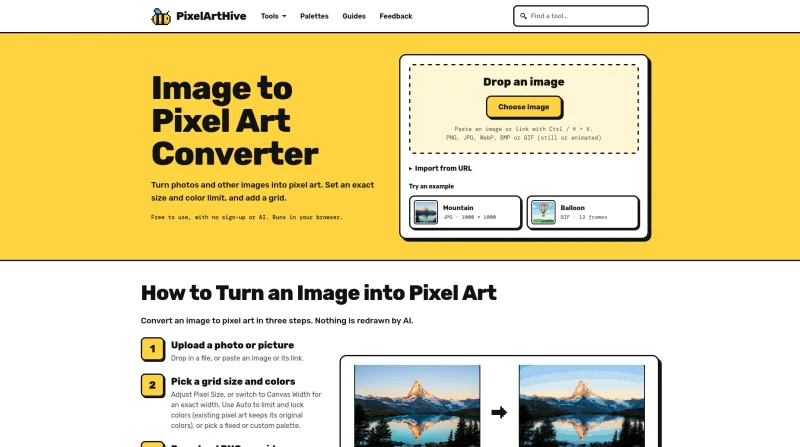
PixelArtHive is a free, web-based tool running directly in the browser to convert images into pixel art and adjust pixel grids without using artificial intelligence.
Its principal functionalities and features include:
1. AI-Free, Deterministic Conversion & Privacy
Local Browser Execution: Image processing occurs entirely within your browser without requiring account creation, sign-up, or uploading files to an external server.
Deterministic & Composition-Preserving: Maps images to an exact grid rather than redrawing them with AI, keeping faces, outlines, and text in place with 100% reproducible results.
2. Grid Control & Export Formats
Custom Grid & Canvas Width: Allows users to adjust pixel sizes, set explicit canvas widths (such as 16, 32, or 64 pixels), and toggle a visual pixel grid with position tracking.
Multiple Export Options: Generates enlarged PNGs for sharing, native 1× scale files for game development, Aseprite project files, and printable coordinate grid PNGs.
3. Color Reduction, Palettes & Dithering
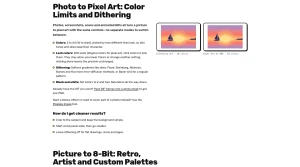
Color Limiting & Locking: Restricts color counts between 2 and 64, with features to lock specific shades or retain original pixel art colors.
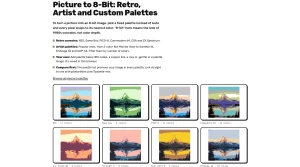
Retro Console & Custom Palettes: Features presets for vintage hardware (NES, Game Boy, PICO-8, Commodore 64) and artist palettes, alongside custom palette imports via HEX codes,
.hex, or.gplfiles.Dithering Algorithms: Includes multiple error-diffusion algorithms (Floyd–Steinberg, Atkinson, Burkes) and Bayer 4×4 pattern dithering to smooth color gradients.
4. Pixel-Perfect Restoration & Utilities
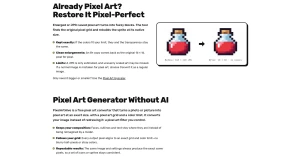
Sprite Restoration: Detects native grid patterns to rebuild blurry or JPG-compressed pixel art back to its original resolution.
Animation & Sprite Sheets: Processes animated GIFs using a shared palette while preserving frame timing and transparency, and includes a utility to pack GIF frames into sprite sheets.
Nearest-Neighbor Upscaler: Features a dedicated upscaler that uses nearest-neighbor resampling to enlarge icons or sprites without adding blur.