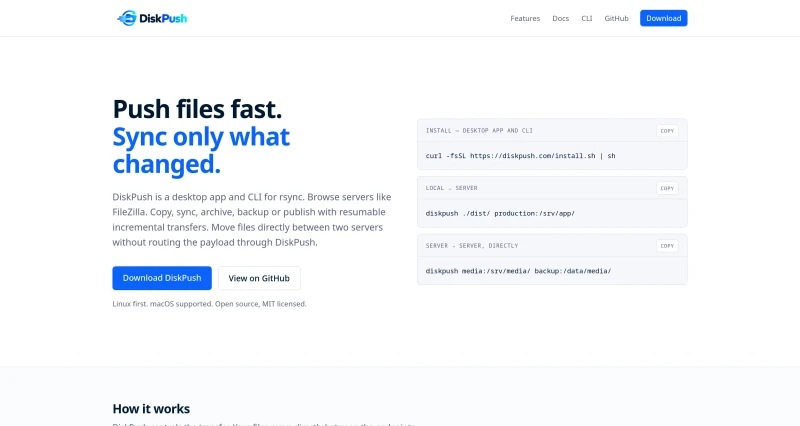
DiskPush is a desktop app and CLI for rsync. Browse servers like FileZilla. Copy, sync, archive, backup or publish with resumable incremental transfers. Move files directly between two servers without routing the payload through DiskPush.
DiskPush is an open-source (MIT-licensed) desktop application and CLI tool built for fast, resumable incremental file transfers using rsync on Linux and macOS.
The main features of DiskPush include:
Direct Server-to-Server Transfers: Moves payload directly between two remote endpoints over SFTP/SSH without routing files through your desktop or relaying through external servers.
Two-Pane FileZilla-Style Browser: Features a dual-pane workspace (Local/Server 1 on the left, Remote/Server 2 on the right) to inspect remote directories over SFTP, create folders, rename files, delete items, and change permissions (
chmod).Genuine rsync Engine with Smart Defaults: Leverages true rsync underneath to skip unchanged files, preserve archive metadata (permissions, timestamps, symlinks), and enable partial resumes. It automatically applies flags like
--archive,--partial-dir=.rsync-partial,--human-readable,--itemize-changes, and--info=progress2.Safe-by-Default Operations & Mirror Previews: Preserves destination-only files by default. Before executing a destructive mirror operation, DiskPush shows the exact list of files scheduled for deletion and leaves the destination pane browsable while you confirm.
Full-Featured CLI & Scripting Support: Offers a headless CLI sharing the same engine and connection profiles, complete with structured JSON output and stable exit codes for automated scripts.
Direct rsync Pass-Through: Allows native rsync flags to be passed directly verbatim by appending them after
--(e.g.,diskpush ./data/ prod:/data/ -- -aHAX --checksum) without re-parsing or shell intervention.Security & Shell Shielding: Spawns rsync using direct argument arrays with no shell, protecting remote arguments from remote login shell execution.
You may also be interested in ...

4 Best Practices to Write Quality JavaScript Modules
ft-syntax-highlight