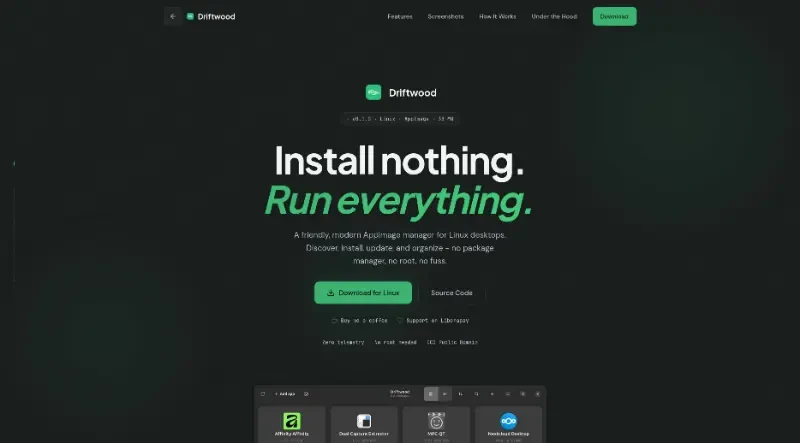
A friendly, modern AppImage manager for Linux desktops. Discover, install, update, and organize - no package manager, no root, no fuss.
Driftwood is a "friendly, modern AppImage manager" designed for Linux desktops that allows users to discover, install, update, and organize applications without the need for a package manager or root privileges.
The main features of this tool include:
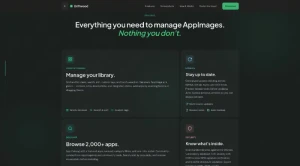
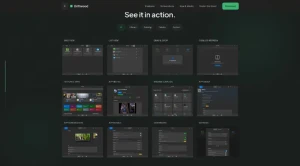
Comprehensive Library Management: Users can organize their AppImage collection using grid or list views, search functionality, and custom tags. New applications can be added simply by scanning folders or dragging files directly into the interface.
App Discovery & One-Click Install: It features a curated catalog of over 2,000 applications sourced from AppImageHub and community feeds, allowing for one-click installation and categorized browsing.
Centralized Updates with Rollbacks: The tool checks for updates across multiple sources (GitHub, GitLab, etc.) and provides automatic backups of previous versions, ensuring users can always roll back if a new update causes issues.
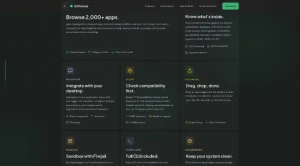
Advanced Security & Sandboxing: Driftwood includes CVE scanning against the OSV.dev database to detect vulnerabilities, performs GPG signature verification, and offers Firejail integration to run apps in an isolated sandbox.
Desktop Integration: It allows users to seamlessly integrate AppImages into their system application menu, configure autostart, and manage file type associations or environment variables through a simple GUI toggle.
System Maintenance Tools: The "housekeeping" features include a duplicate finder to save storage, disk footprint analysis, and an orphan cleanup tool to remove leftover desktop entries and icons.
Developer & Power User Friendly: Built with a Rust backend and GTK4, the tool includes a full CLI for scripting and automation, while remaining entirely private with zero telemetry.
High Accessibility Standards: It is WCAG 2.2 AAA compliant, featuring full keyboard navigation, screen reader support, and high-contrast modes.
You may also be interested in ...
When I press
Moment JS