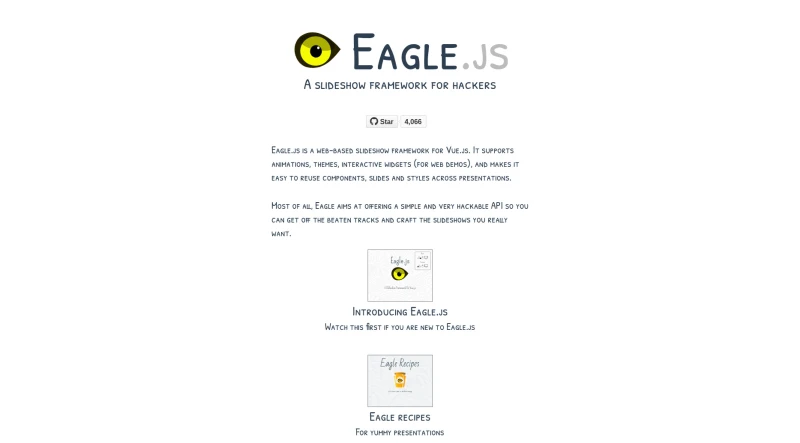

Eagle.js is a web-based slideshow framework for Vue.js. It supports animations, themes, interactive widgets (for web demos), and makes it easy to reuse components, slides and styles across presentations.
Eagle.js is a hackable slideshow framework built with Vue.js. It is designed to allow users (often referred to as "hackers") to easily craft custom presentations.
The principal functionalities and features of Eagle.js are categorized as follows:
1. Core Technology and Architecture
Foundation: Eagle.js is a slideshow system built on top of Vue 2.
Hackability: It offers maximum hackability by making all APIs public, encouraging users to get "off the beaten tracks" and implement new ideas. The framework achieves this by using the
slideshowcomponent as a Vue mixin.Components: Its basic building blocks are the
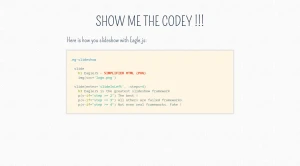
slideshowandslidecomponents.Language Support: The syntax examples primarily use Pug, but plain HTML is also supported.
Dependency Management: The core is lightweight, relying on various helpful extensions. It uses animate.css for slide transitions (which must now be installed as a peer dependency).
2. Presentation Features and Structure
Customization and Reuse: It facilitates the easy reuse of components, slides, and styles across different presentations.
Animations: The framework supports animations and custom slide transitions using the
eg-transitioncomponent, which supportsanimate.cssclasses.Steps for Interaction: Slides can be configured with steps (
:steps=N) to control the sequential appearance of content (e.g., bullet points) using Vue's conditional rendering (v-if='step >= N').Nested Slideshows: It supports inserted (parent is a slideshow) and embedded (parent is a slide) nested presentations.
3. User Interaction and Navigation
Input Controls: Navigation is supported via keyboard and mouse clicks or scroll events.
Zoom Functionality: The framework supports a zoom feature where users can zoom in and out of a slide using Alt + Click (Option + Click on non-Mac devices).
Navigation Modes: Users can configure navigation to move backward by step (default) or by slide (landing on the first step of the previous slide).
Mobile Support: Eagle.js supports basic mouse, keyboard, and touch events, though advanced gestures like 'swipe' require manual integration (e.g., using Hammer.js).
4. Extensions (Widgets and Plugins)
The framework includes two types of extensions:
Widgets (Used in a Slide): These are Vue components that can be used directly within a slide. Examples include:
eg-modal.eg-code-block(for code highlighting, requiring the user to install and configurehighlight.js).eg-toggle,eg-radio-button,eg-triggered-message.
Plugins (Used Globally in a Slideshow): These enhance slide behavior across the presentation. Examples include:
Presenter Plugin: Enables a presenter mode (toggled by a configurable key, default 'p') that opens two windows (parent and child) which share control and can be used for private notes.
Zoom Plugin: Enables the zoom functionality.
5. Customization and Development
Theming: Users can apply pre-built themes, such as argume and gourmet, by importing the necessary CSS and wrapping the presentation template with the corresponding theme class (e.g.,
eg-theme-gourmet).API Access: Developers can customize the framework by accessing and modifying
slideshowmethods likenextStep,previousStep,nextSlide, andpreviousSlide.Permalinks: Although not included by default, permalinks (using hashbangs or history mode) can be easily implemented using Vue-Router to maintain slide and step state in the URL.
You may also be interested in ...
Bestaticpy

VideoJS