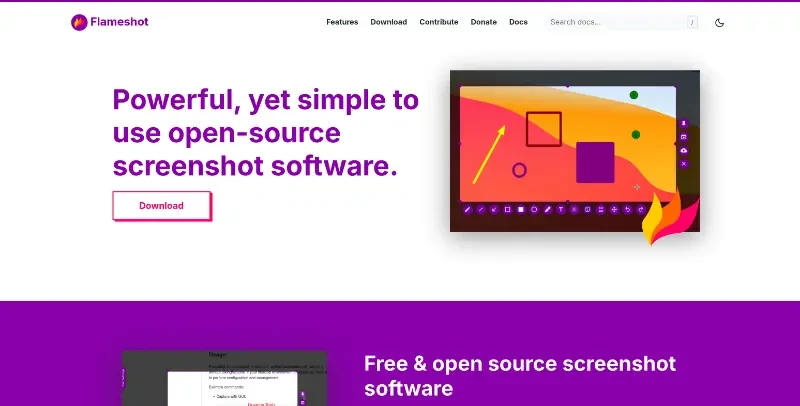
Powerful yet simple to use screenshot software.
Flameshot is a powerful, free, and open-source screenshot tool designed to be simple to use while offering a wide range of built-in features for capturing and annotating images across Windows, macOS, and Linux.
The main features of this tool include:
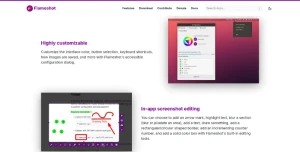
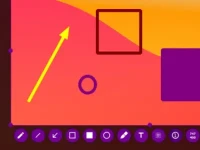
In-App Screenshot Editing: Once a capture area is selected, users can immediately apply annotations using a variety of built-in tools, including arrows, text, highlights, and drawings.
Privacy & Obfuscation: It includes specific tools to blur or pixelate sections of a screenshot, allowing users to easily hide sensitive information before saving or sharing.
Advanced Annotation Tools: Beyond basic shapes, it offers specialized features like incrementing counters, solid color boxes, and circular or rectangular borders.
Highly Customizable Interface: Users can tailor the software to their needs by customizing interface colors, button selections, and keyboard shortcuts through an accessible configuration dialog.
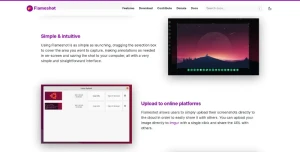
One-Click Cloud Upload: It allows for instant sharing by uploading screenshots directly to platforms like Imgur with a single click, providing a URL for immediate use.
Command-Line Interface (CLI): For power users and developers, Flameshot includes a CLI that allows for scripting and the ability to bind specific screenshot actions to system-wide hotkeys without opening the graphical interface.
Flexible Installation: It is highly accessible across different systems, offering portable versions for Windows, Homebrew support for macOS, and a wide variety of Linux options including AppImage, Snap, Flatpak, and most major package managers (apt, pacman, dnf, etc.).
You may also be interested in ...
Create Diagonal Layouts Like It's 2020
Tailwind toolbox