Static Sites are quick and easy; and when you can host them for free forever, that's icing on the cake. Check this post to learn how to host your static site on GitLab pages.
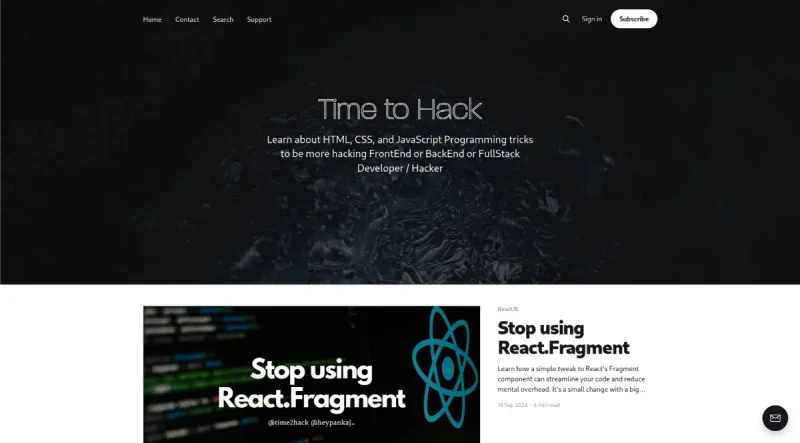
Time to Hack - Frontend Programming in JavaScript, HTML & CSS ⚡️ is a learning resource and guide offering programming tricks and insightful articles for FrontEnd, BackEnd or FullStack Developer / Hacker.
Its main functionalities revolve around providing technical guides and best practices across major web development domains:
1. ReactJS Best Practices
The resource offers specific guidance on improving React workflows:
Code Streamlining: Details how to stop using the standard
React.Fragmentcomponent in favor of a simple tweak for cleaner code and easier debugging.State Management: Explains when to use the
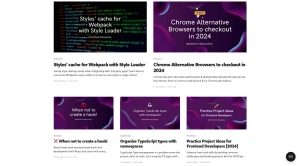
useReducerhook to declutter applications and improve understanding, especially when a component is "cluttered with too many useState".Hooks Architecture: Clarifies when NOT to create a hook, addressing common misunderstandings associated with React hooks.
Redux Structure: Argues why it is Better to spread the Reducer in Files rather than using a Single File Reducer among multiple ways to arrange redux elements.
2. TypeScript and Code Organization
It provides methods for managing scalability and design systems:
Type Management: Demonstrates how to organize TypeScript types with Namespaces to boost productivity when a project starts to scale.
Design Systems: Highlights the Benefits of using TS Generics in Design Systems to achieve a better developer experience.
3. Infrastructure, Docker, and DevOps
The resource covers containerization and deployment strategies:
Docker Fundamentals: Explains Containerization & Docker Fundamentals, describing how they solve the "works on my computer" problem.
Docker Volumes: Provides a deep dive into Understanding Docker Volumes and their configuration options for higher productivity.
Secure Dockerization: Offers instructions on how to Dockerize a PHP app with Apache on HTTPS, including enabling HTTPS on localhost.
CI/CD: Details how to achieve Continuous Deployment on DigitalOcean Droplets with Gitlab CI Pipelines.
Dynamic Builds: Shows how to dynamically configure Docker Image builds by passing values, since Docker builds cannot receive environment variables the same way container execution can.
4. General Frontend/Web Development
Guidance is provided across HTML, CSS, JavaScript, and related frameworks:
JavaScript Type Conversion: Explores different Ways to convert String to Number in JS.
HTML Forms: Covers the process of Submitting Single Form to different Actions in HTML5.
CSS/UX Hacks: Provides a CSS & JS Hack regarding touch devices, specifically addressing the question "Can I use hover on Touch Devices?" and recommending pointer media queries for better UX.
Webpack Fixes: Offers a guide on Fixing WebpackChunkName for Dynamic Imports when they are not working with Babel. It also covers customizing Webpack's style-loader to preserve styles on page reload for 3rd-party app integration.
5. JAMStack, Tools, and Productivity
The publication includes advice on related technologies and professional practices:
JAMStack Strategy: Discusses use cases and When NOT to choose Next.js.
API Integration: Provides a tutorial on Showing Top GitHub Repos with Netlify Functions and integrating the resulting API into a React+Tailwind UI.
Analytics Alternatives: Explains Why I chose Splitbee as replacement of Google Analytics (noting that Splitbee also replaces Google Optimize).
Learning & Practice: Lists Practice Project Ideas for Frontend Developers for skill enhancement, such as building a CRUD app, social dashboard, or component library.
Code Review: Provides 3 Basic Tips for faster Code Reviews.
Alternative Browsers: Suggests Chrome Alternative Browsers to checkout in 2024.
Linux Tooling: Explains how to use the Linux command
treeto determine directory size on systems without a GUI.
You may also be interested in ...

1 line layouts
Stimulus