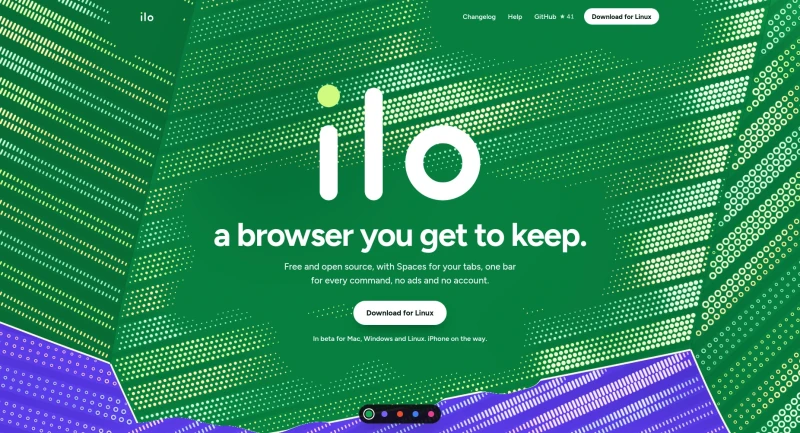


A browser you get to keep. Free and open source, with Spaces for your tabs, one bar for every command, no ads and no account.
ilo is a free, open-source web browser designed for simplicity, workspace organization, and privacy without requiring an account or ad tracking.
The principal functionalities of this browser include:
1. Tab & Workspace Management
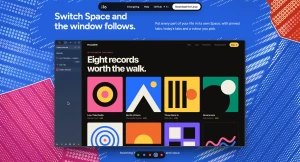
Custom Spaces: Users can organize different parts of their browsing into dedicated Spaces featuring custom colors, pinned tabs, and daily tabs, with automatic swapping of tabs and themes when switching Spaces.
Automatic Tab Archiving: Any tab that has not been viewed for 12 hours is automatically moved to an archive to keep the active window clutter-free.
Pinned Tabs & Backups: Keeps essential tabs locked in place and includes built-in sidebar state backups that can be restored at any time.
2. Unified Command Bar and Smart Layout Tools
Universal Command Bar: Accessible via
⌘Ton Mac orCtrl+Ton other systems, allowing users to quickly search open tabs, navigate to pages, or execute browser commands.Built-in Productivity Features:
Peek (
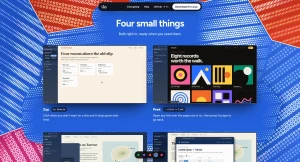
Shift + Click): Opens a link in an overlay on top of the current page, which can be dismissed immediately with theEscapekey.Split View: Allows users to drag a tab onto the active page to view two web pages side-by-side in a single window.
Little ilo (
⌥⌘N): Opens a small, single-page window that can be merged back into the main browser window with a single key press.
3. Content Control and Customization
Element Zapping (Boosts): Enables users to click and permanently remove unwanted site elements so they stay hidden on future visits.
Chrome Extension Compatibility: Fully supports extensions from the Chrome Web Store and comes with uBlock Origin built-in by default.
4. Privacy, Open Source, and Migration
GPL-3.0 Open Source: Fully open-source with code publicly hosted on GitHub.
Privacy Infrastructure: Requires no account, includes no ads or license checks, and only sends an anonymous daily count with no user ID if explicitly enabled by the user.
Browser Migration: Automatically imports tabs, bookmarks, and browsing history from other installed browsers.
Cross-Platform Availability: Currently available in beta for Mac, Windows, and Linux, with an iOS version in development.

You may also be interested in ...

Keyv
Petite-Vue