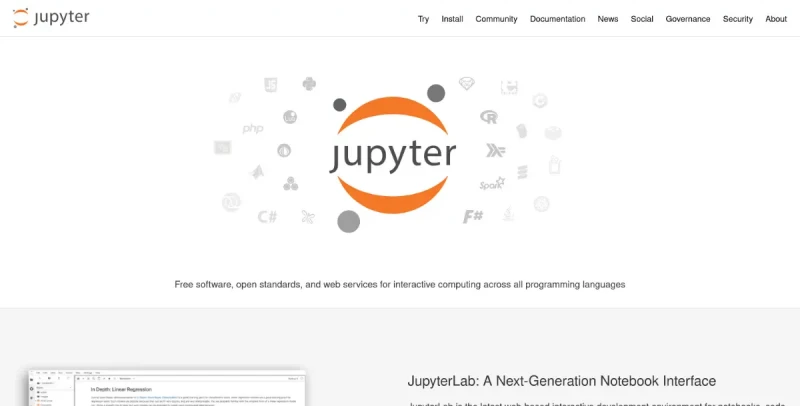
Jupyter is a web application used to program in more than 40 programming languages, including Julia, Python, R, Ruby and Scala1. Jupyter allows you to create notebooks, i. e. programs containing both markdown text and Julia, Python, R... These notebooks are used in data science to explore and analyze data.
Project Jupyter is an open-source community initiative focused on developing free software, open formats, and services for interactive computing,.
Here are the primary features and functionalities of the Jupyter ecosystem:
Core Functionality and Architecture
Interactive Computing Environment: Jupyter provides a web-based interactive programming environment for creating documents known as "notebooks" or "calepins",,.
Language Support (Kernels): Jupyter is designed to support interactive data science and scientific computing across a multitude of programming languages. While its name references Julia, Python, and R, the project supports more than 40 programming languages, and now works with about 100 languages. The system utilizes separate processes called kernels to execute user code in a given language.
Open Source and Licensing: The entire project is 100% open-source, free for everyone to use, and released under the terms of the modified BSD license.
Key Software Components
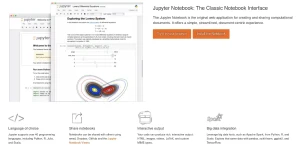
Jupyter Notebook: This is the classic web-based interface for interactive computing. It is used for tasks like data analysis, data visualization, exploratory analysis, and creating machine learning models,,.
Notebook Document: The resulting document is a JSON file (typically
.ipynb) that contains an ordered list of cells. These cells can hold code, execution results, rich text (using Markdown), mathematical formulas, graphs, and interactive media,.Reproducibility: This format allows users to document their work step-by-step, making it easier to understand, share, and verify results, supporting transparency and reproducibility in data work.
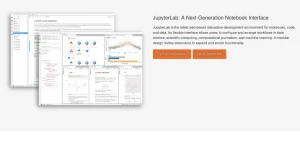
JupyterLab: The newer interface intended to replace the classic Jupyter Notebook,. It functions as a versatile and feature-rich Interactive Development Environment (IDE),.
Interface Flexibility: JupyterLab offers a multi-document, multi-tasking interface,. Users can work with multiple notebooks, text files, terminals, file explorers, and custom components in a flexible, integrated, and extensible manner.
Collaboration: It supports real-time collaboration, making it a powerful tool for team projects,,.
Integrated Tools: It includes built-in tools like a terminal, code consoles, and a file browser, allowing users to execute shell commands directly,.
JupyterHub: A multi-user server designed to support many users by managing numerous Jupyter Notebook servers.
Jupyter Book: An open-source project for building books and documents from computational material.
Execution and Management Features
Headless Execution: Users can execute long-running notebooks, especially those dealing with large datasets, in headless mode (independently of a local or remote terminal session) using the
jupyter nbconvert --executecommand,.This headless mode can be run within a utility like
screento ensure the notebook execution continues even if the terminal session closes.The
--ExecutePreprocessor.timeout=-1option can be used to prevent the execution from timing out.
Conversion: Notebooks can be converted into various formats (HTML, PDF, LaTeX, Markdown, Python) using the
nbconvertmodule or CLI.Viewing: The NBviewer service converts publicly available notebook URLs into static HTML for simplified viewing on the web,.
Sharing Executables: The Binder subproject offers a free service that allows sharing executable notebooks on an online platform, generating a JupyterLab instance for users to run the code, and is especially advantageous for notebooks with interactive plots or widgets.
Version Control Tools and Solutions
Due to the notebook's underlying JSON format, using standard Git tools can be difficult, prompting specialized solutions,:
Handling Diffs: The dedicated nbdime library or the JupyterLab Git extension (which uses nbdime) can be used to review local changes in a rich rendered diff format. The ReviewNB app is used for pull request reviews and collaboration, providing rich diffs and inline commenting on notebook cells, and is trusted by many organizations.
Conflict Resolution: Small Git merge conflicts can be resolved manually in a text editor, but larger conflicts are best handled by tools like nbdime, nbdev, or the JupyterLab Git extension, which help ensure the final state is valid notebook JSON,,.
Large Notebook Rendering: While GitHub often fails to render large notebooks natively, services like ReviewNB, NBviewer, and Binder can render them successfully,.

You may also be interested in ...

Arrow JS

Tailwind CSS 3.0