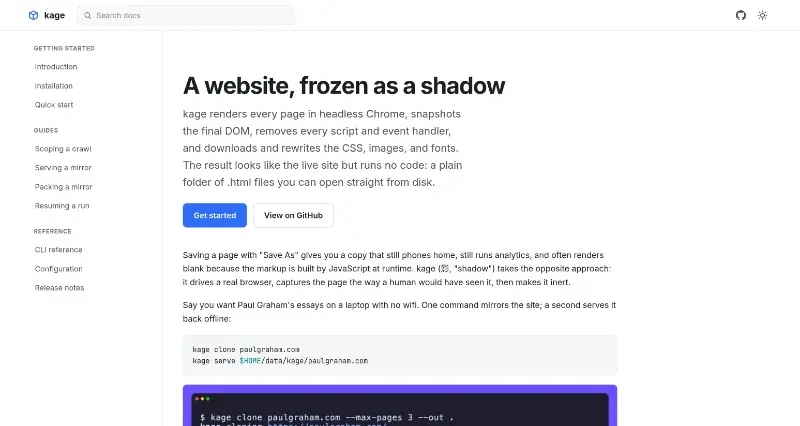
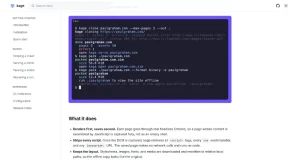
kage renders every page in headless Chrome, snapshots the final DOM, removes every script and event handler, and downloads and rewrites the CSS, images, and fonts. The result looks like the live site but runs no code: a plain folder of .html files you can open straight from disk.
kage (影, "shadow") is a specialized website mirroring tool designed to create high-fidelity, "inert" offline copies of web content that look and feel like live sites but run no code.
The main features of this tool include:
Headless Rendering: Unlike traditional "Save As" methods that may capture empty shells, kage renders every page in headless Chrome first. This ensures that content built by JavaScript at runtime is fully captured exactly as a human would see it.
Inert Output: Once the page is captured, the tool strips every script, event handler, and "javascript:" URL. The resulting HTML files make no network calls and run no code, ensuring privacy and security.
Asset Preservation: It downloads and rewrites CSS, images, and fonts to relative local paths, ensuring the offline copy maintains the exact layout and visual style of the original site.
Browsable Offline Mirrors: It automatically rewrites in-scope links to point to other saved pages, allowing users to navigate the mirrored site offline just as they would the live version.
Flexible Packaging: Users can collapse a mirror into a single ZIM archive (for use with Kiwix) or a self-contained binary that serves the site when executed.
App-like Functionality: When built with a webview tag, a packed binary can open in its own window instead of a browser tab, making the mirror feel like a native application.
Resumable Runs: The tool includes the ability to resume interrupted crawls, which is essential for mirroring large or complex websites.
You may also be interested in ...
Reading Client-Side Files for Validation with Vue.js
Nuxt.js