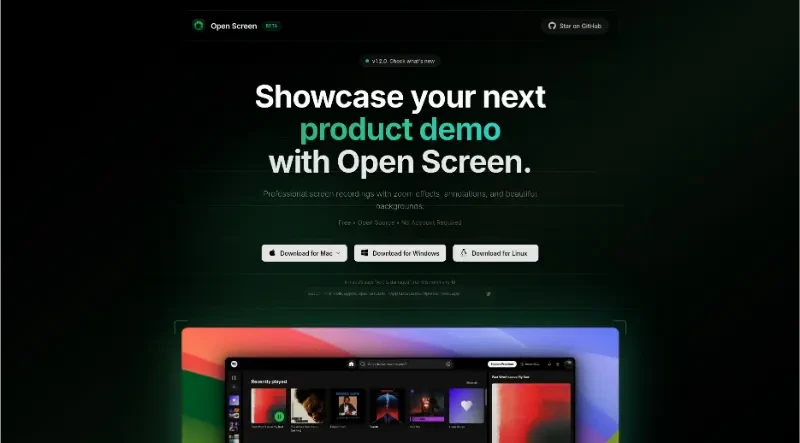

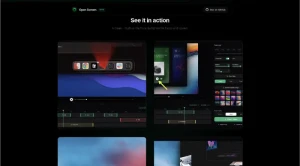
Professional screen recordings with zoom effects, annotations, and beautiful backgrounds.
OpenScreen is a free, open-source tool designed for creators, developers, and designers to create professional screen recordings with high-quality zoom effects and annotations.
1. Versatile Recording and Audio Capture
Flexible Capture: Users can record their entire screen or target specific applications.
Audio Options: The tool supports simultaneous recording of microphone audio and system audio capture.
2. Dynamic Zooming and Smooth Motion
Smart Zooming: It offers automatic zoom suggestions based on cursor telemetry, which can be used as-is or manually fine-tuned.
Customizable Effects: Users can add manual zooms with customizable depth, duration, and positioning.
Professional Polish: Includes motion blur and exponential easing to ensure pan and zoom effects are smooth and professional.
3. Advanced Editing and Annotations
Timeline Tools: The interface allows for trimming video segments and adjusting the playback speed of different parts of the recording.
Visual Enhancements: Users can add text (with custom Google Fonts), arrows, and images as annotations.
Layout Control: Supports cropping recordings, adjusting border radius, and modifying video padding.
4. Design and Export Options
Beautiful Backgrounds: Recordings can be placed against wallpapers, solid colors, gradients, or custom pictures.
Multi-Format Export: Videos can be exported in various aspect ratios (1:1, 16:9, 9:16, 4:5, 4:3) and multiple resolution options.
Project Persistence: Edits can be saved as projects to be revisited or modified later.
5. Open Source and User-Centric
Accessibility: The tool is free, open-source (MIT License), and requires no account to use.
Cross-Platform: Available for Windows and Linux, with specific setup instructions provided for macOS.
You may also be interested in ...
MuCSS
Volta