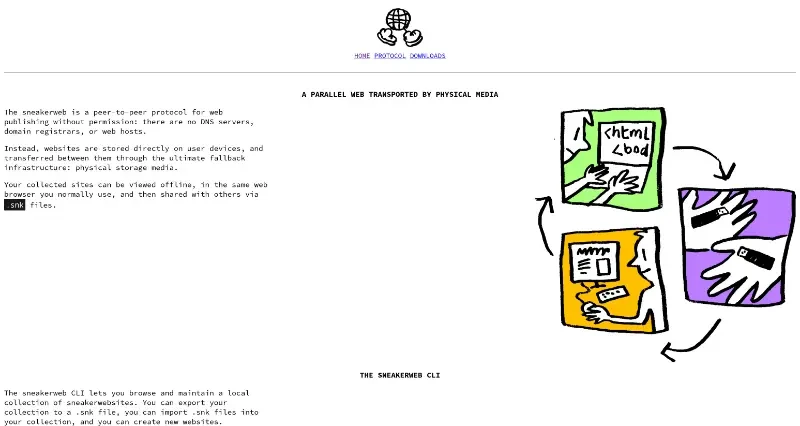


The sneakerweb is a peer-to-peer protocol for web publishing without permission: there are no DNS servers, domain registrars, or web hosts.
Sneakerweb is a peer-to-peer protocol designed for permissionless web publishing, operating entirely without DNS servers, domain registrars, or traditional web hosts.
Here are the main features and the workflow for setting up your site once it is finished:
Main Features
Physical Media Transport: Instead of using the central internet, websites are transferred between users via physical storage media (like USB drives) using .snk files.
Offline Accessibility: Collected sites are stored directly on your device and can be viewed offline using your standard web browser.
The Sneakerweb CLI: A dedicated command-line interface acts as the client to browse, maintain, and create websites within your local collection.
Secure Protocol: It builds upon the Willow protocol, which prevents website forgery, manages data merging, and ensures .snk files are efficient and compact.
Censorship Resistance: By removing the need for a central infrastructure, it serves as an "ultimate fallback" for web publishing.
How to Install and Publish Your Site
Once you have finished your static website, follow these steps to get it running on the network:
Installation: Download the sneakerweb CLI from the official downloads page.
Claim a Domain: Use the command
sneakerweb domainto claim a unique sneakerweb domain for your project.Publish Your Content: Use the command
sneakerweb publishto link your finished static website files to your claimed domain.Verify Locally: Run
sneakerweb serveto start a local server, allowing you to browse your collection and see your site in your web browser.Share with Others: Use
sneakerweb exportto turn your site into a .snk file, which you can then give to others via physical media. They can then usesneakerweb importto add it to their own collection.

You may also be interested in ...

IFPS

SK Incognito