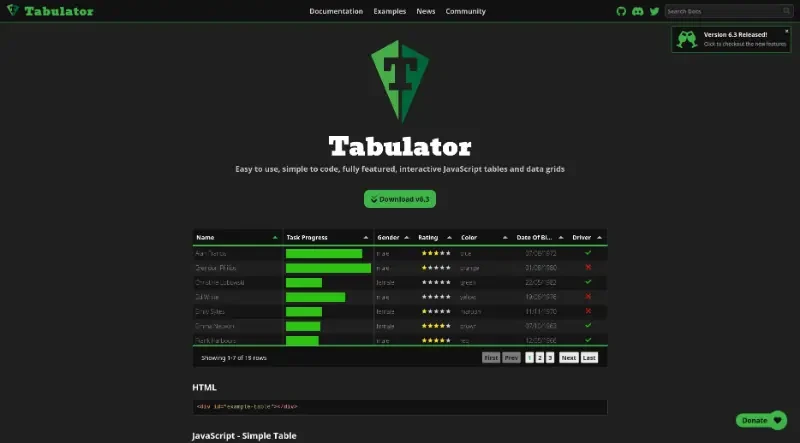

Tabulator allows you to create interactive tables in seconds from any HTML Table, JavaScript Array, AJAX data source or JSON formatted data. Simply include the library in your project and you're away!
Tabulator is an easy to use, simple to code, fully featured, interactive JavaScript library for creating tables and data grids. It is a plain JavaScript library designed to work seamlessly across all frontend JavaScript frameworks.
Here are the principal features and functionalities of Tabulator:
Core Data Handling and Performance
Data Sources: Data can be loaded initially from a JavaScript array or asynchronously via Ajax requests.
Reactive Data: The table can update dynamically as the underlying data changes.
Virtual DOM: It uses a virtualized DOM for lightning-fast rendering, especially beneficial for handling large data sets.
File Operations: Users can download data directly from the table to CSV or XLSX files. Conversely, it supports importing content directly from xlsx, csv, and ods files.
Pagination: Tabulator offers automatic local and remote data pagination, allowing settings like displaying a specific number of rows per page,.
Interactivity and Editing
Direct Editing: Users can edit table data directly in the table, utilizing various editors like simple input fields or lists.
History Management: It allows for undo and redo actions on user interactions via a built-in history feature,.
Selection: Supports both row selection (single or multiple) and selection of multiple cell ranges.
Clipboard Functionality: Data can be copied and pasted from the table using the Clipboard feature.
Validation: It provides input validation to check user input before it is stored in the table.
Key Bindings: Keyboard shortcuts are customizable for table interaction.
Structure, Filtering, and Layout
Filtering and Sorting: Data can be filtered to display specific records and sorted by any value or data type. Initial sort orders can also be defined.
Grouping and Hierarchy: Rows can be graphically grouped by any specified data, and data can be structured as a tree with clickable nodes.
Layout Customization: Layout can be customized (e.g.,
fitColumns), and column order can be changed using movableColumns,.Responsive Design: Features responsive layout to automatically hide or show data to fit the size of the table,.
Freeze Data: Columns and rows can be frozen in place while the user scrolls.
Column Calculations: Tabulator can calculate values such as max, min, avg, and sum from column data.
Customization and Extensibility
Formatting and Styling: It supports creating custom formatters to graphically display data (e.g., progress bars, stars, tick/cross icons). All graphical elements are assigned classes for full CSS styling, and five prepackaged themes are included.
Localization: The content of the tables can be localized to multiple languages, and it supports right to left (RTL) text direction.
Mutators: Data can be altered as it enters and leaves the table using mutators.
Persistence: The configuration (layout, sort, filter) can be remembered between user visits.
Developer Interaction: Developers can interact with the tool through a selection of callbacks.
Menus: Provides context menus for rows, columns, and cells.
Accessibility: Aria tags are used on all elements for enhanced readability.
Touch Friendly: The software is fully functional on mobile touch devices.
Printing: Supports custom print styling and full page printing,.

You may also be interested in ...
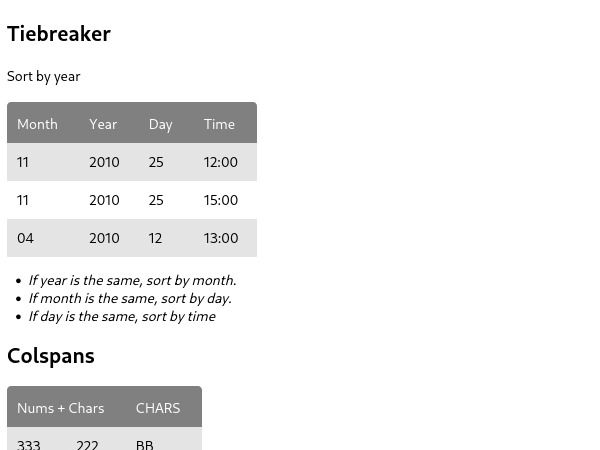
Sortable

Taxi.js