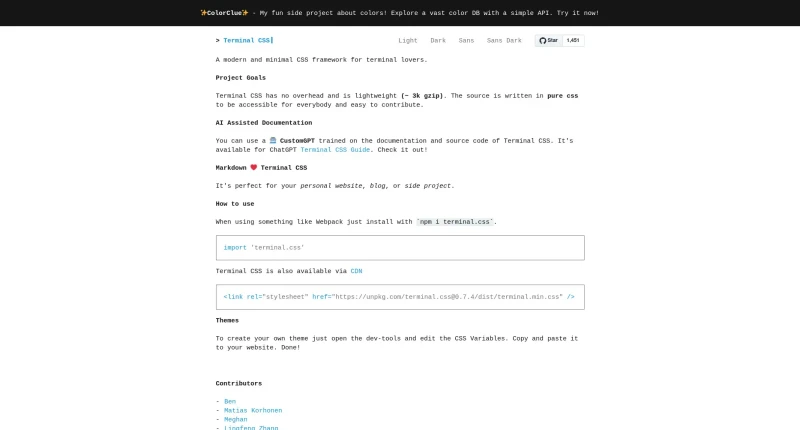
Terminal CSS is a modern and minimal CSS framework for terminal lovers.
Terminal CSS is a modern, lightweight, and minimal pure CSS framework designed for developers, bloggers, and terminal lovers who want a retro console aesthetic for their web projects. Inspired by hack.css and created by Jonas Duri, it provides a full suite of terminal-styled UI components without any JavaScript overhead.
The main features and capabilities of the framework include:
Ultra-Lightweight & Zero Overhead: Built with pure CSS and zero dependencies, weighing in at only ~3k gzip for fast loading.
Flexible Installation: Can be installed directly into front-end build pipelines via npm (
npm i terminal.css) or linked directly via CDN stylesheet.Theme Presets & CSS Custom Properties: Offers Light, Dark, Sans, and Sans Dark theme variations, and allows easy customization by overriding CSS variables (such as
--global-font-size,--font-stack,--primary-color,--background-color, and--block-background-color).Terminal Component Library: Features pre-styled terminal elements, including navigation bars, navigation lists, form inputs, buttons (Primary, Error, Ghost, and Button Groups), cards, timelines, alerts, progress bars, tables, and a single-depth Table of Contents (TOC) component.
Single-Font Typography Model: Applies a unified monospaced font stack across all elements when using
<body class="terminal">for an authentic terminal feel.Built-in Code Highlighting: Comes pre-packaged with a custom theme for Highlight.js to render syntax-highlighted code blocks.
AI-Assisted Documentation: Includes a custom ChatGPT assistant trained on the framework's documentation and source code to answer setup questions.
You may also be interested in ...
MuCSS
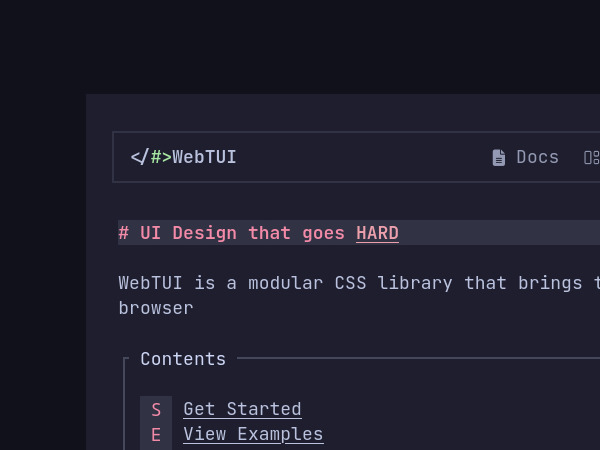
Webtui
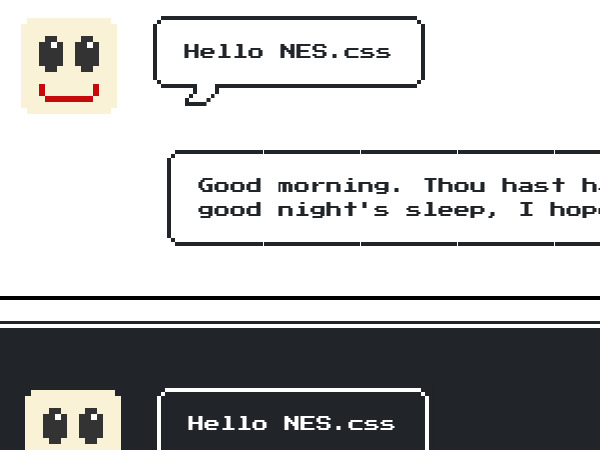
NES.css