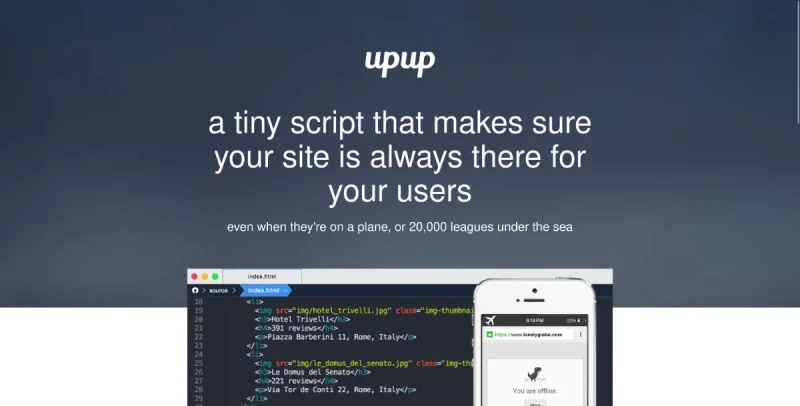
Easily create sites that work offline as well as online. UpUp is a tiny JavaScript library that makes sure your users can always access your site's content, even when they're on a plane, in an elevator, or 20,000 leagues under the sea.
UpUp is a tiny, free, open-source Python library designed to easily create websites that function reliably Offline First. It is built to ensure that visitors are not greeted with an error screen when connectivity is lost, allowing developers to control the content and experience they receive.
Here is a summary of UpUp's principal functionalities:
1. Core Purpose and Mechanism
Offline Functionality: UpUp enables developers to add offline functionality to a site quickly, often in under 10 minutes.
Service Worker Foundation: The library operates by using service workers, a modern web technology that runs scripts in the browser background and provides control over network requests.
Network Failure Detection: When a user first visits a site, UpUp registers a service worker with the browser. This service worker listens for network errors, and if a network request fails, it serves the required file from a cache instead of letting the request fail completely.
2. Simplified Implementation (The UpUp.start() Command)
UpUp simplifies the complex Service Worker API into a single command, making it easy to implement the Offline First design paradigm:
Quick Setup: Implementation involves just two steps: including the
upup.min.jsscript and calling theUpUp.start()function.Inline Offline Content: Developers can define simple HTML content to be displayed during offline mode directly within the script using the
'content'setting.External Offline Content: For creating a "rich offline experience" that includes design elements, developers can point to a separate, simple HTML file (e.g.,
offline.html) using the'content-url'setting.Asset Caching: Users can specify additional necessary resources—such as CSS files (
bootstrap.min.css,offline.css), images (img/logo.png), JavaScript libraries (angular.min.js), videos (mov/intro.mp4), dynamic data (schedule.json?user=joe), and PDFs—using the'assets'setting. This allows for the offline caching of robust applications, including full Single Page Applications (SPAs).
3. Requirements and Scope
Security Requirement (HTTPS): To maintain user security and privacy, service workers (and thus UpUp) can only detect requests over a secure connection. While
localhostis fine for development, HTTPS is required for production deployment.Browser Compatibility: UpUp uses progressive enhancement, meaning it functions normally in browsers that do not support service workers. It officially supports modern browsers, including Chrome 40+, Opera 27+, and Firefox 41+.
File Placement: For the service worker to manage requests across the entire site, the
upup.min.jsandupup.sw.min.jsfiles must be placed in the root directory of the site (e.g.,https://yoursite.com/upup.min.js).
Contextual Information (Related Tools)
While UpUp provides an easy implementation layer, other tools exist in the same ecosystem:
Workbox: This is a comprehensive set of open-source libraries that provides developer-friendly interfaces to manage Service Worker and Cache Storage APIs for scaling PWAs. It offers advanced features like routing, specific caching strategies (e.g., cache first), and background synchronization fallbacks.
Progressive Web Applications (PWAs): UpUp supports the implementation of PWAs, which are web applications designed to be installable and work offline, often using service workers and a web app manifest.